
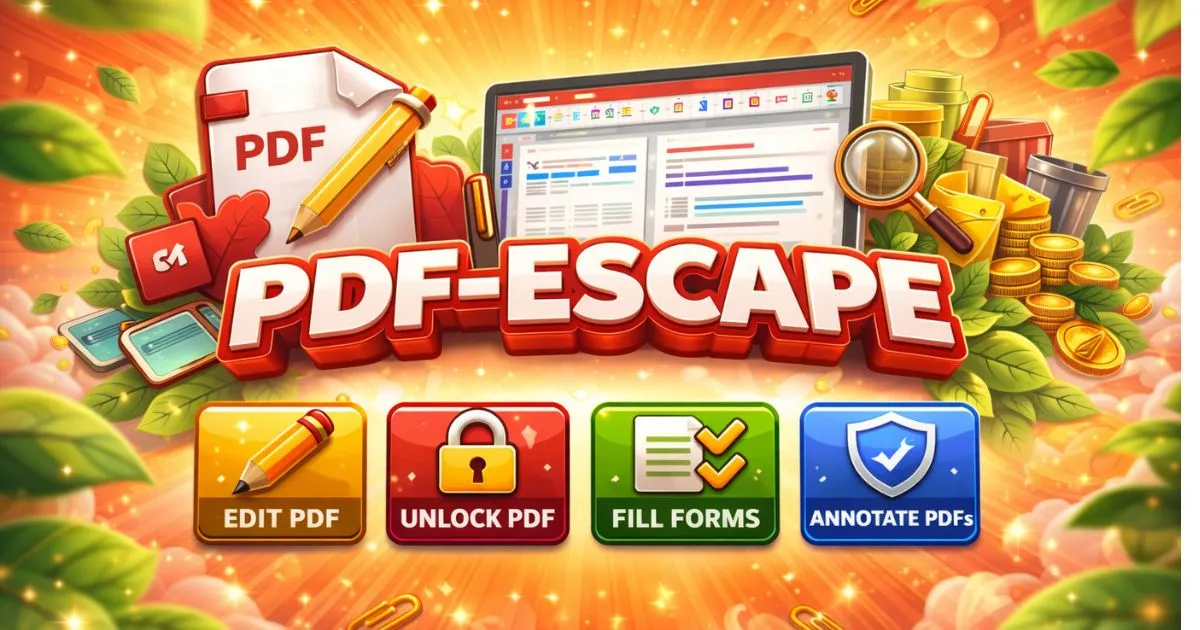
Edit PDF Online
Edit PDF online easily with Pdf-Escape. Change content, insert images, manage pages, and download polished PDFs in seconds.

How to Edit a PDF Online Using Our Tool
Editing a PDF doesn’t have to be difficult. With our Edit PDF Online tool, you can quickly change text in just a few steps.
- First, open the Edit PDF Online tool page on our website.
- Next, upload the PDF file you want to edit.
- Once your file is uploaded, you can remove the existing text you don’t need.
- After that, use the Text tool to add new text anywhere in the PDF.
When you’re done with all edits, simply save the PDF and click the Download button to get your updated file.
For a better understanding, we’ve also added a YouTube live demo video below. Watch it to see the full editing process step by step.